Bluetooth broadcasting
Use Yuelu.plus as a heart-rate source for nearby devices that accept a standard heart-rate input
Best for bike computers, cardio equipment, and close-range displays
Display heart rate
Heart-rate broadcasting is here when you want your live signal on another screen. It stays lightweight and useful, without taking over the broader health experience
How it connects
Use Yuelu.plus as a heart-rate source for nearby devices that accept a standard heart-rate input
Best for bike computers, cardio equipment, and close-range displays
Keep a live reading visible on larger screens inside the same network environment
Useful for indoor training rooms, studios, or home setups
Compatible moments
Bring live heart rate onto rides and trainer sessions when your setup accepts an external signal
Project a live reading onto a TV or studio display so effort stays visible from across the room
Pair your watch-driven data with training software that can listen for a compatible heart-rate source
Keep iPhone and Apple Watch in sync so the broader health picture stays close by during a session
Setup flow
Broadcasting should feel like an optional extension of the health app, not a separate system you have to learn
Start from the same app pair you use for daily health insight
Turn live sharing on only for the sessions or displays that need it
Use the receiving device's own heart-rate input flow to discover the signal
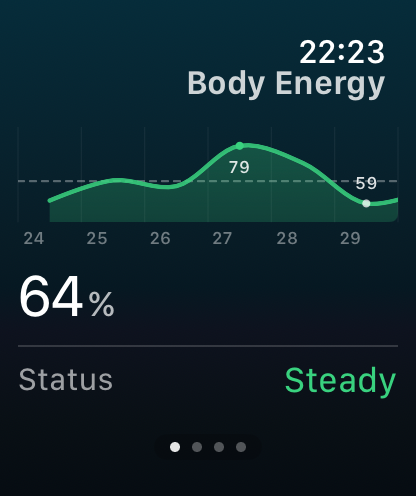
After the live session, return to HRV, sleep, and body energy in the main app